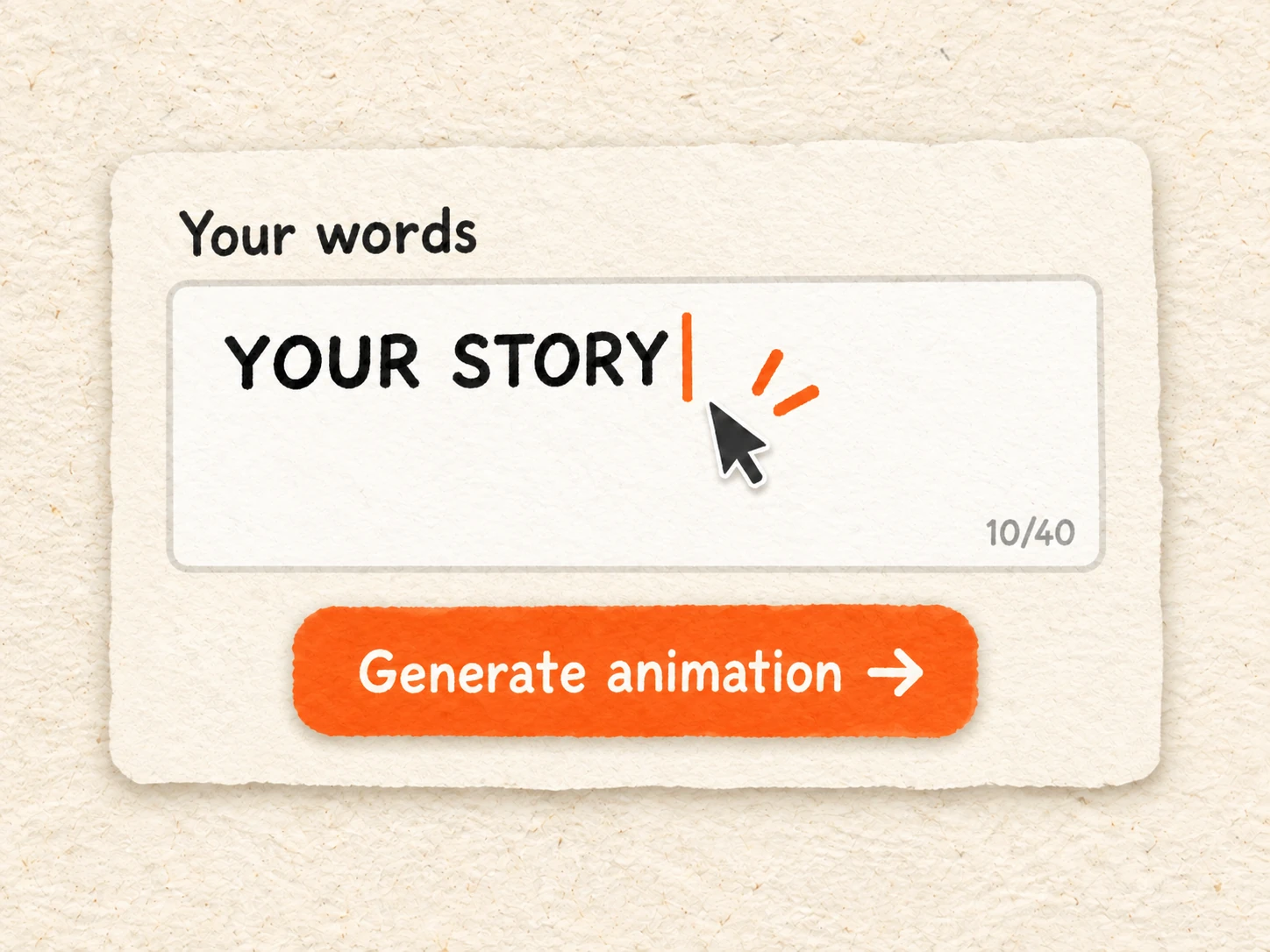
Enter Your Text
Enter a word or short phrase, up to 40 characters. Choose Newspaper Highlight for text within an article or Headline Match Cut for text in a headline.
Create a text match cut animation with the newspaper highlight effect or Headline Match Cut. Export MP4 or GIF. Try free without signing up.
Enter a word or short phrase, up to 40 characters. Choose Newspaper Highlight for text within an article or Headline Match Cut for text in a headline.
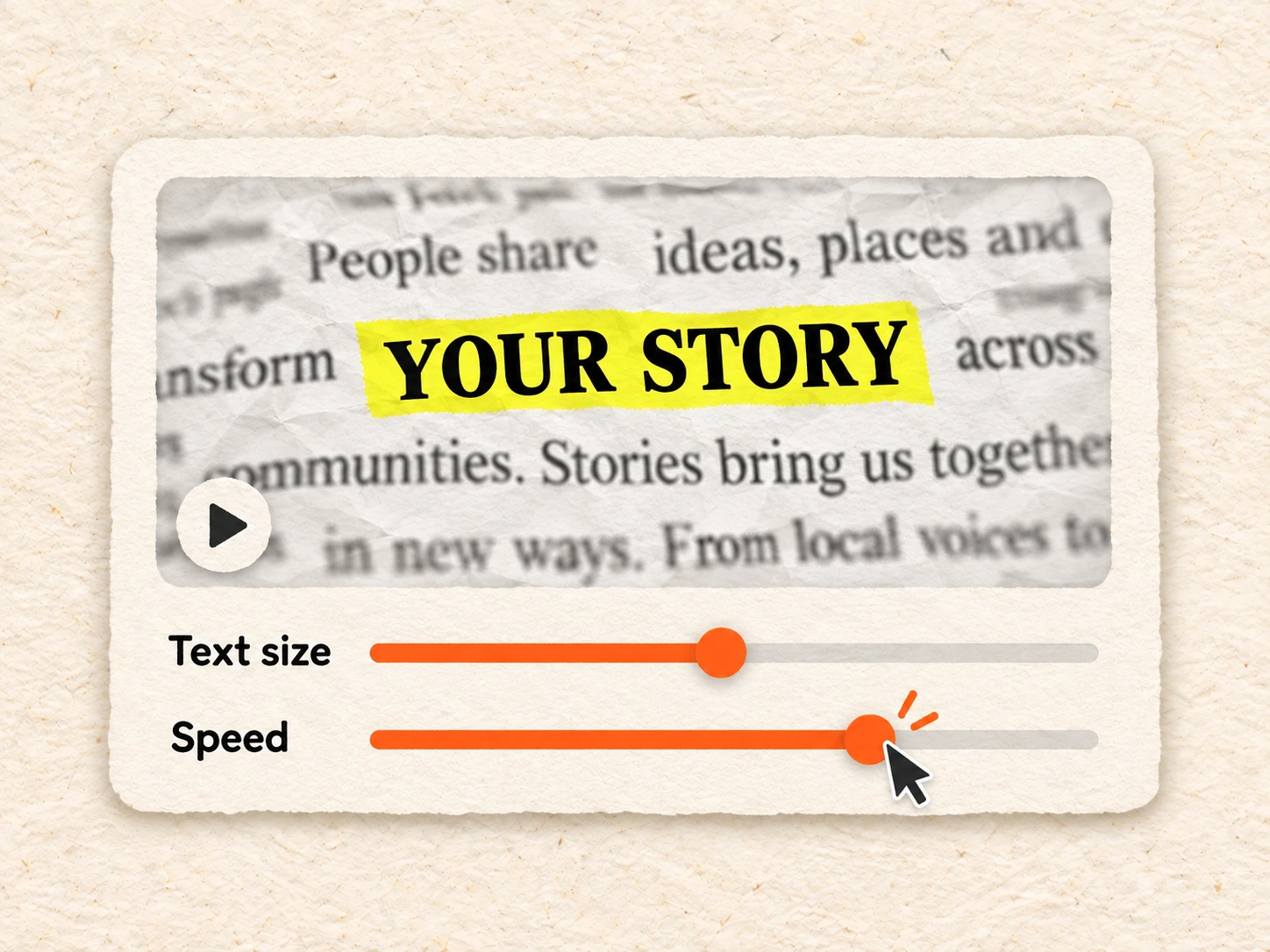
Click Generate animation to preview your text. Adjust the text size, speed, and motion blur, and choose a vertical or landscape layout.
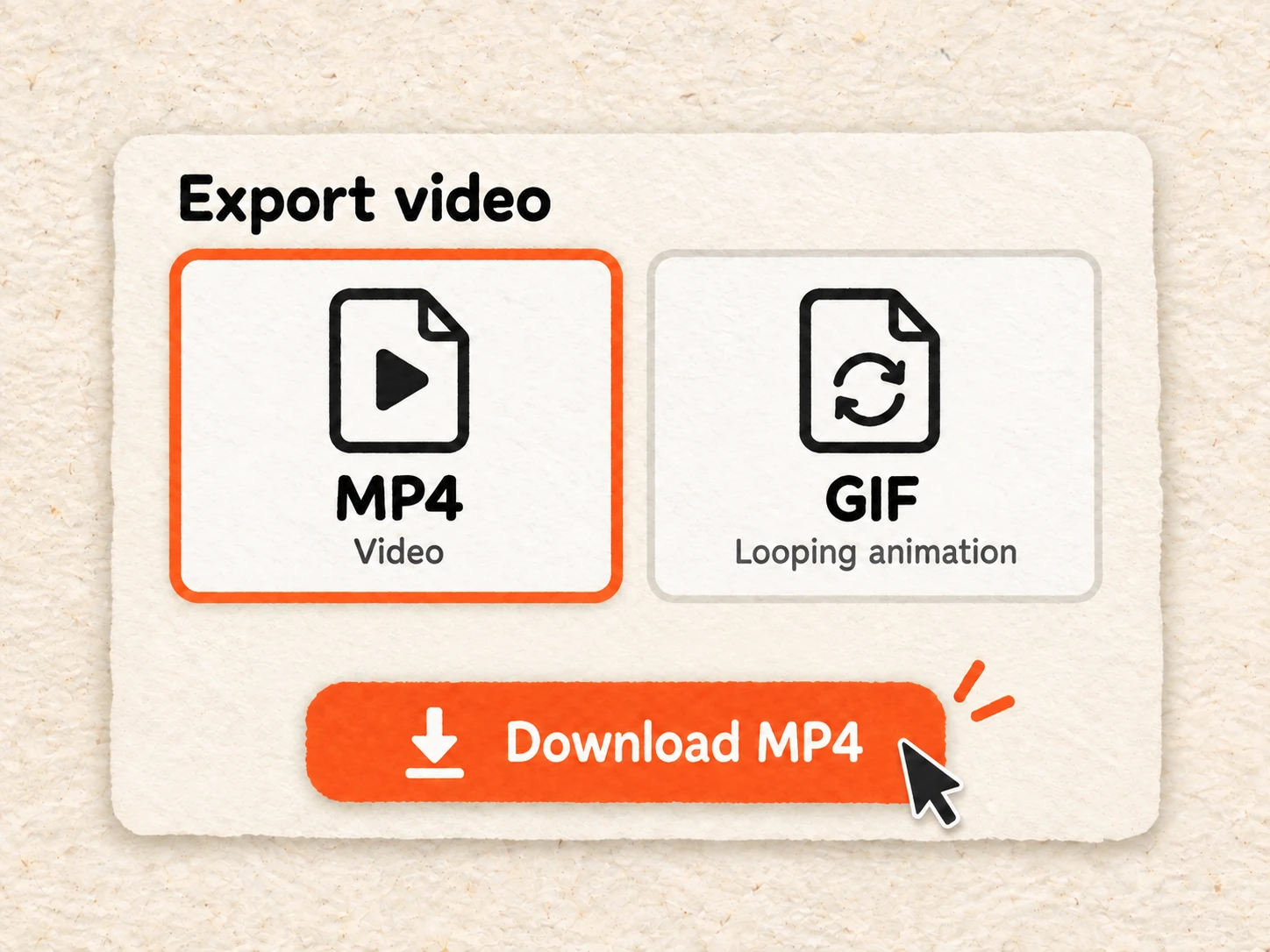
Open Export video and choose MP4 or GIF. Free exports are 720p with a watermark. Paid plans support up to 1080p without a watermark.
A text match cut animation connects changing frames through a repeated word or phrase in a similar position. Your eyes follow the text while the surrounding image changes. In Paper Animation, your words appear within a sequence of newspaper layouts.
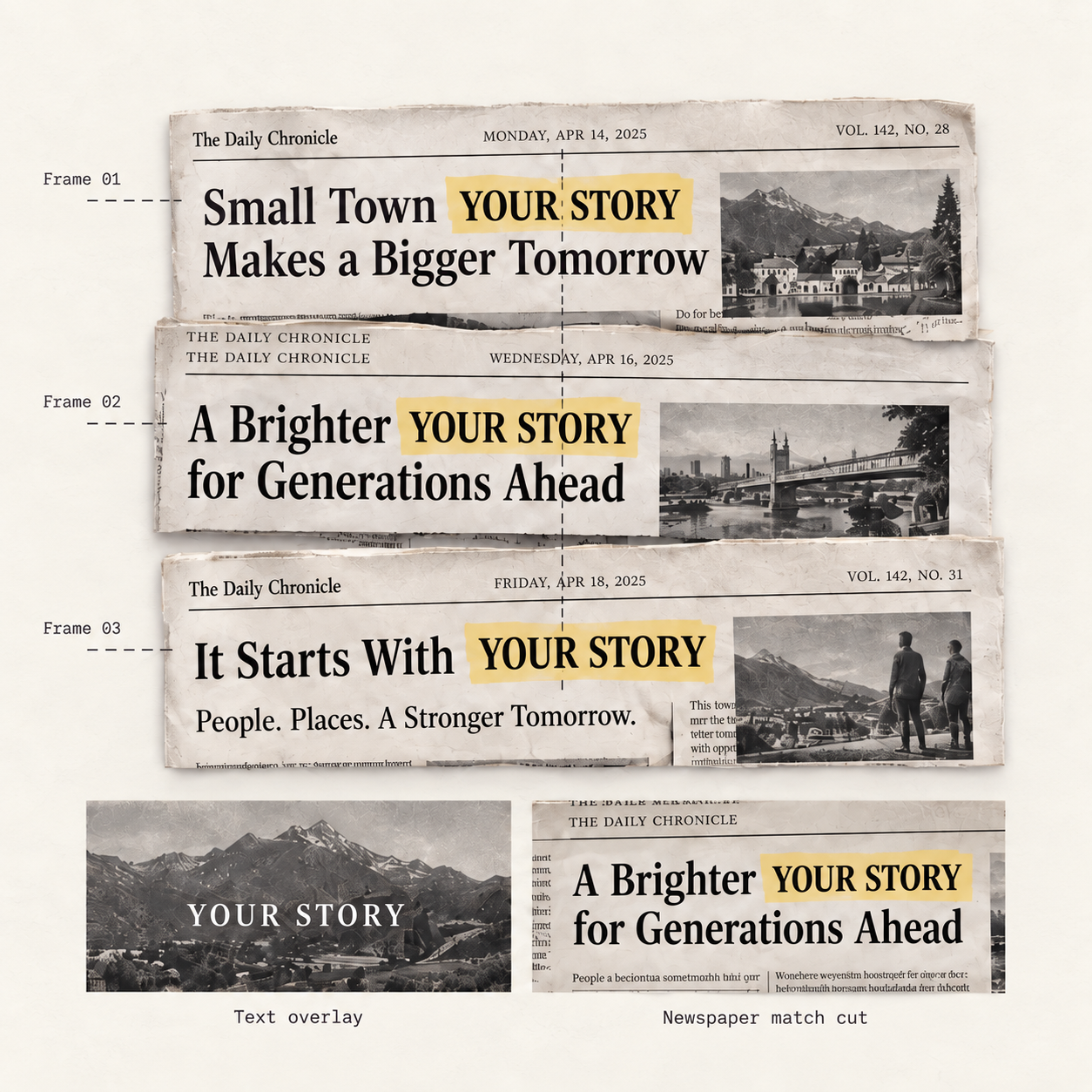
The same word or short phrase appears across successive frames. Its position creates the text match cut effect, connecting one frame to the next even as the surrounding text and layout change. A short phrase is easier to recognize at each cut.
In a newspaper text highlight animation, a yellow highlight separates your chosen words from the surrounding article text. As the clippings change, the marked phrase gives viewers a consistent place to look. This contrast helps the words stand out within a busy printed page.
A static text overlay sits on top of an image or video. In this paper text match cut, your phrase appears inside the newspaper layout, among article text or within a headline. The changing printed context becomes part of the animation itself.
Keep a word or short phrase highlighted as newspaper clippings change around it. Adjust the paper texture, text size, speed, and motion blur.
Put your words in the headline of a newspaper match cut. Preview changing news layouts, then adjust the text size, speed, and motion blur.
Turn a short phrase into a vertical newspaper match cut. Choose 9:16, export an MP4, and add the clip to your TikTok edit.
Animate a phrase you want to share with changing newspaper layouts. Export an MP4 or looping GIF to include in your Twitter post.
Yes. You can create a text match cut free without signing up. Preview your animation and download it as an MP4 or GIF at 720p with a watermark. Paid plans include exports up to 1080p without a watermark.